
TECH HUB Portal Mission
Provide a centralized, secure, and modern platform that brings together all company tools, procedures, projects, and performance indicators in one place. We aim to make it easy for employees to access the information they need quickly, improve daily work experience, and reduce time wasted searching for scattered data and tools.
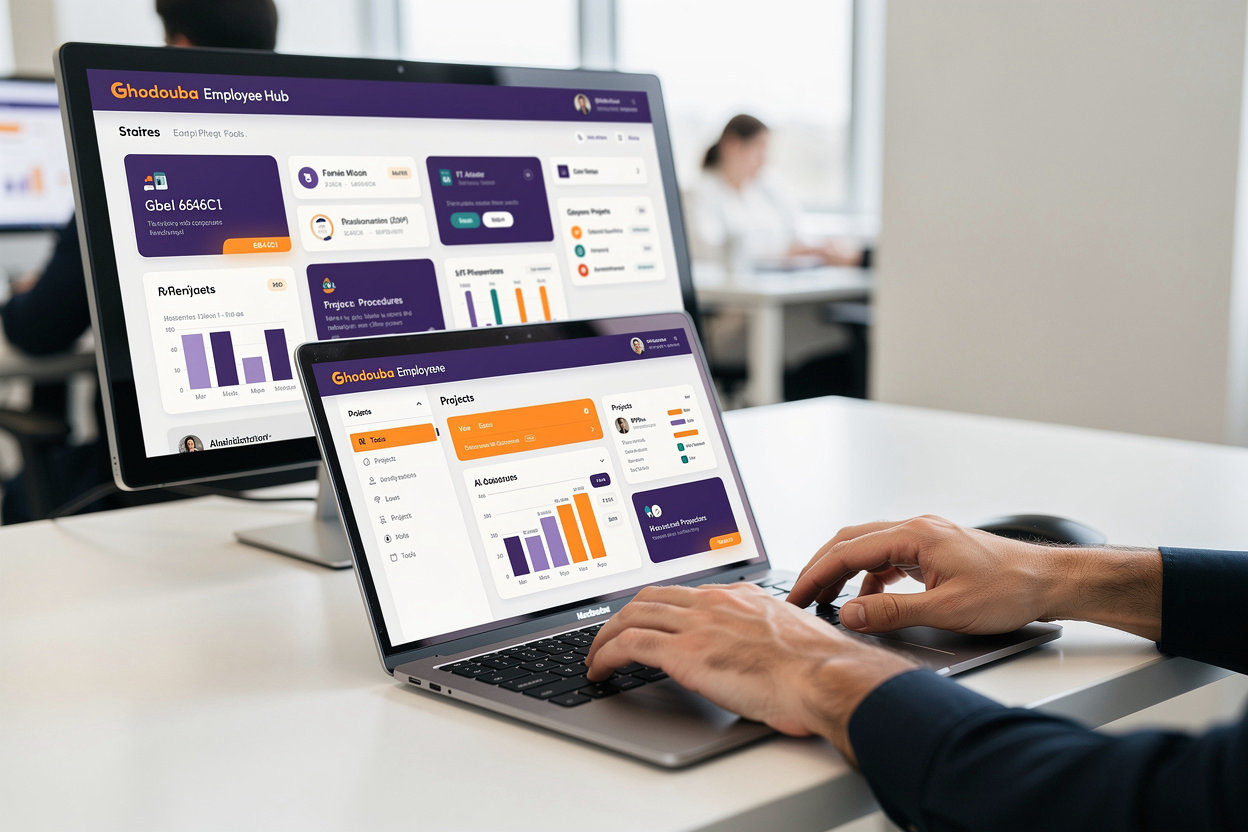
Through the TECH HUB portal, employees can access Help Desk for technical support, Microsoft Entra for identity and secure access management, and Back Office for business operations management — all with a single click. We also provide clear step-by-step procedures, real project tracking, a dynamic dashboard displaying key performance indicators, plus an intelligent AI Chatbot that answers your questions 24/7.
Key Benefits
Discover how the TECH HUB internal portal improves your work experience and increases your productivity
Centralized Access
All company tools, procedures, and projects in one place — no need to search across multiple systems.
Faster Employee Onboarding
New employees learn tools and procedures quickly through an organized and user-friendly portal.
Intelligent 24/7 Support
An intelligent AI assistant available at all times to answer your questions and help with instant search.
Reduced Support Requests
Employees find answers themselves — reducing reliance on support teams and speeding up problem resolution.
Real-Time Dashboards
Track projects and performance indicators directly — stay informed with the latest developments.
Procedure Clarity
Clear step-by-step procedures ensure consistency and efficiency in task execution.
Ready to explore the portal?
Technology and Security
The TECH HUB portal is built on modern and secure technology to protect your employee data and maintain information integrity.
Modern and Reliable Technology
The portal is built using the latest enterprise-grade web application development technologies. It is designed to handle heavy workloads and provide fast and reliable performance for all employees simultaneously.
Data Encryption and Protection
All data is protected with enterprise-grade encryption. Communication between your browser and the server is completely secure, and all sensitive information is encrypted and stored according to the highest international security standards.
Identity and Access Management
The portal is integrated with Microsoft Entra for identity and access management. This means every employee logs in through their secure company account, and each person receives permissions appropriate to their role only.
Seamless Integration with Company Systems
The portal is connected to all company tools — Help Desk (ManageEngine), Back Office, and other systems. Data synchronizes automatically across all systems without any manual intervention.
Regular Backups
Data is backed up regularly and consistently. In case of any issue, data can be restored easily without losing any important information.
Continuous Security Updates
The portal receives regular security updates to address any new threats. Our team continuously monitors security and applies the latest protections without any impact on your work.
Your Portal is Safe and Reliable
All technical elements of the portal are designed with the highest security and reliability standards. Employee data is protected, access is monitored, and the system operates with high efficiency. You can focus on your work without worrying about information security.
Support and Help
Do you have a question or need clarification about the portal? Let us know and we'll help you.
Send Us a Message
Fill out the form below and we'll get back to you soon.
Contact Information
Response Time
We typically respond as soon as possible
Need Quick Help?
Use the AI Chatbot for instant answers to your questions
Browse Procedures to find step-by-step instructions
Check out FAQs below
Frequently Asked Questions
You can access the portal by logging in with your Microsoft Entra account credentials. If you have trouble accessing, make sure you have the required employee permissions or contact the IT department.
Go to the Procedures page and search for "Reset Password". You'll find detailed steps to help you change your password easily. If the issue persists, use the AI Chatbot or contact support.
Make sure your department is authorized to access that tool. If you believe you should have access, submit an access request through the contact form above or contact the Human Resources department.
Yes, the portal is designed to work on all devices — mobile phones, tablets, and computers. Simply access the portal from your browser and log in as usual.
Use the contact form above and select "Technical Issue" from the subject list. Describe the problem in detail and we'll work on fixing it as soon as possible.
The AI Chatbot is available 24/7 and helps you search for tools, procedures, projects, and answer common questions. Type your question and the Chatbot will guide you to the appropriate information or action.
Yes, the portal is built on secure and reliable technology. All data is encrypted and access is controlled through Microsoft Entra. We perform regular backups and security updates.