
Complete Procedures Library
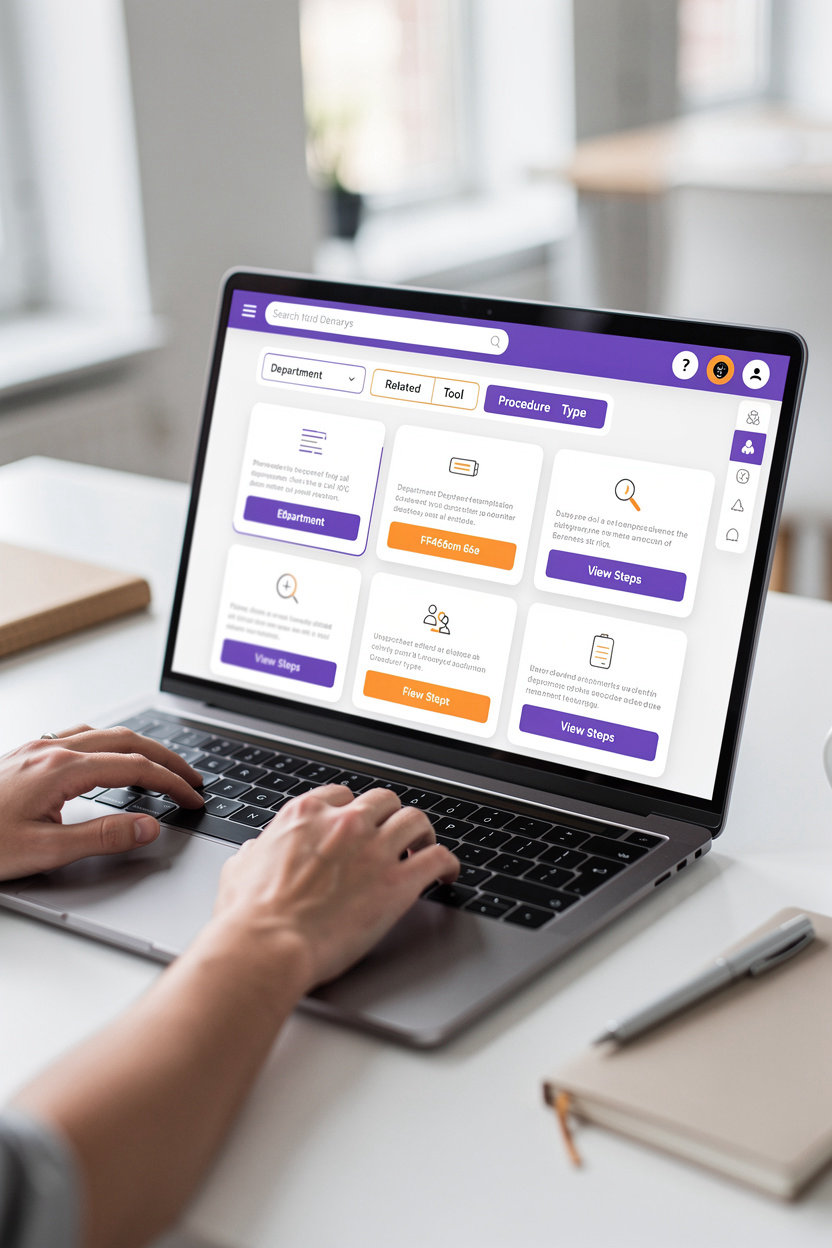
All work procedures at TECH HUB in one place — organized, searchable, and easy to understand. Search by department, tool, or procedure type, and follow step-by-step instructions.
Search Easily
Use advanced filters to find the procedure you need:
- By Department: HR, IT, Operations, Administration
- By Tool: Help Desk, Microsoft Entra, Back Office
- By Type: Account Setup, Approval Processes, Troubleshooting
Clear Steps
Sequential and easy-to-understand execution
Fast and Direct
No more time wasted searching and getting lost
Direct Links
Go directly to the tools you need
24/7 Support
Ask the smart assistant anytime
Sample Available Procedures
Create New User
SetupSteps to create a new employee account in the system with access to essential tools.
Submit Support Ticket
SupportHow to create and track support tickets in Help Desk.
Reset Password
UrgentSteps to recover and reset your password in Microsoft Entra.
Need help understanding a specific procedure?
The AI assistant is available 24/7 to explain any procedure and guide you step by step. Or contact us directly via email.
Contact Support TeamHow to Use Procedures
Learn how to search for procedures, follow step-by-step instructions, and get help when you need it. Our goal is to empower you to complete your tasks with confidence and independence.
Search for a Procedure
Use the search bar at the top of the procedures page to search by procedure number or keywords. You can also filter procedures by department, tool used, or procedure type — making it easy to find what you need quickly.
💡 Tip: Use simple and specific words in your search for better results.
Follow Step-by-Step Instructions
Each procedure displays clear and organized steps. Follow each step in order, and make sure you understand before moving to the next step. Procedures are designed to be easy to understand and execute even if you're using the tool for the first time.
💡 Tip: Read all instructions carefully before starting execution.
If a step is unclear?
Don't worry — we're here to help. You have several options:
- • Use the AI Assistant (AI Chatbot): Available 24/7 to clarify any step or answer your questions quickly.
- • Contact the Support Team: Send a message via the contact form or email, and we'll respond within 24 hours.
- • Review Related Procedures: You may find other related procedures that clarify the unclear points.
Email: Contact us
Tips for Improving Efficiency
- ✓ Bookmark Important Procedures: Use the "Bookmark" feature for procedures you use frequently — you'll find them easily next time.
- ✓ Print or Save a Copy: If you're going to follow a complex procedure, you can print the steps or save the version as a PDF for later reference.
- ✓ Ask for Help Early: Don't hesitate to contact support if you feel confused — it's better to ask for help than to make a mistake in execution.
- ✓ Review Procedures Regularly: Procedures are updated from time to time — make sure you follow the latest versions to avoid errors.
Ready to get started? Explore the complete procedures library or ask our team for help.
Examples of Common Procedures
Discover the most commonly used procedures on the TECH HUB portal. Simplify your work with quick access to the steps needed to complete common tasks.
Create New User
Learn the steps to create a new employee account in the system with the required permissions enabled.
Submit IT Support Ticket
Learn how to submit a technical support request through Help Desk and track the status of your request.
Request Time Off
Follow the steps to request official leave and submit it for approval from your direct manager.
Access Back Office
Discover how to log in to the Back Office system and manage daily operations.
Reset Password
Learn the secure way to reset your password if you forget it.
Report a Bug
Learn how to report errors or issues in the system effectively and quickly.
Didn't find the procedure you're looking for? Explore the complete procedures library or ask for help.
Contact Us If You Need Help
Have a question about a tool or procedure? Send us a message and we'll help you.
Contact Us Directly
Instant Help
Try the smart assistant for instant answers about tools and procedures.