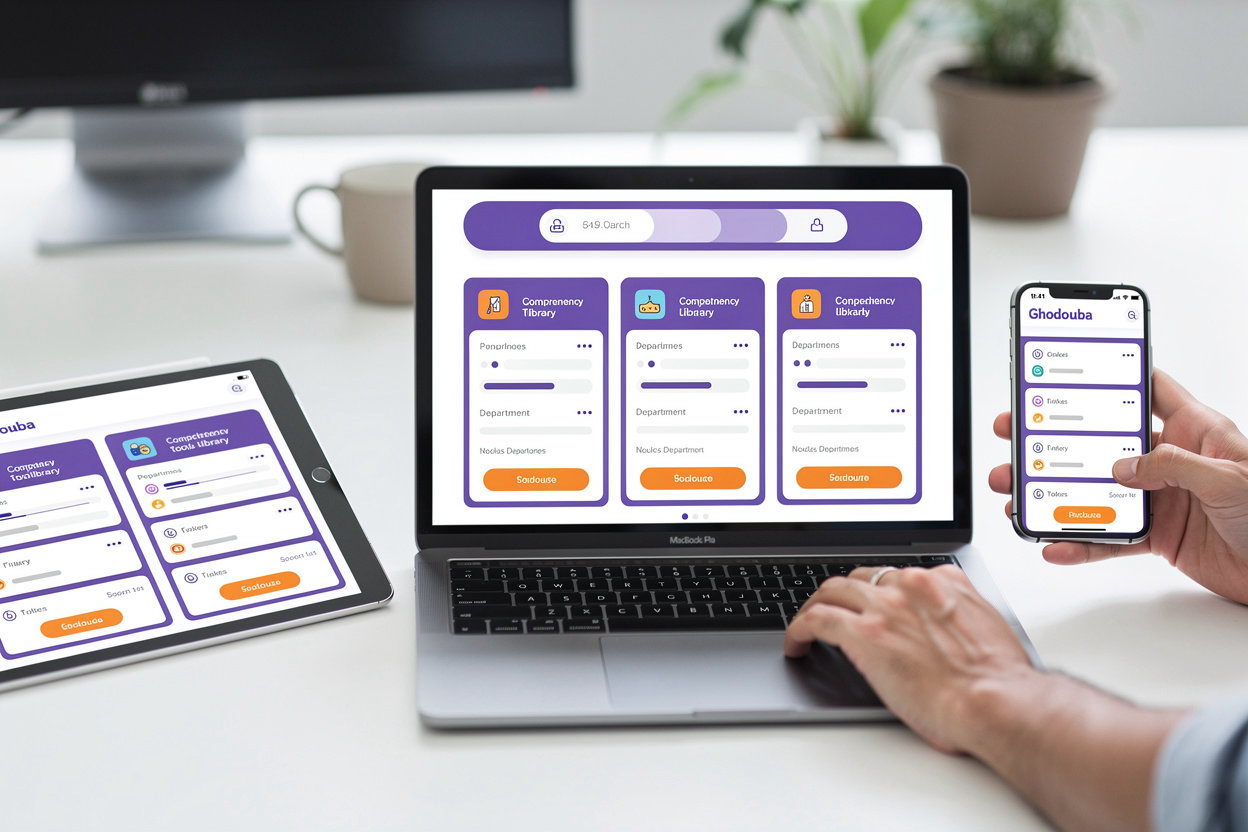
Comprehensive Tools Library

All TECH HUB tools in one place. Search for the tool you need, understand its function, and get instant direct access.

TECH HUB Comprehensive Tools Library - Unified platform for accessing all company tools and systems

Help Desk

ManageEngine

Unified platform for managing technical support tickets and requests. Track your issues and get solutions quickly through a reliable service management system.

Purpose: Deliver fast and effective technical support
Department: Information Technology
Open Tool

Microsoft Entra

Microsoft

Centralized identity and access management. Control secure access to all company tools through single sign-on (SSO) and advanced permission management.

Purpose: Secure identity and access management
Department: Security and Access Management
Open Tool

Back Office

TECH HUB

Comprehensive internal operations management system. Track bookings, financial operations, and administrative reports in one integrated platform.

Purpose: Operations and data management
Department: Operations and Management
Open Tool

How to Use the Tools

1

Choose the Right Tool

Click on the tool card you need above. Each tool has a clear description of its function and the responsible department.

2

Click "Open Tool" Button

You'll be taken directly to the tool in a new window. Make sure you have the correct login credentials.

3

Find Related Procedures

Go to the "Procedures" section to find step-by-step instructions for using each tool.

4

Get Help Immediately

If you encounter an issue or don't have access, use the AI assistant or contact the support team via email.

Need Help?

If you encounter any issues accessing a tool or have questions about how to use it, contact us directly.

Send Us an Email

Primary Company Tools

Three essential tools that unify TECH HUB operations — from technical support to identity management and business applications. Each tool is designed to enhance efficiency and collaboration across your team.

Help Desk

ManageEngine

Unified platform for managing technical support requests and tracking issues. Enables employees to submit support tickets and track their status in real time, reducing response time and improving employee satisfaction.

Key Features:

  • Create and track support tickets
  • Manage technical assets
  • Performance reports and analytics
  • Integration with other systems

Used by:

IT Department All Departments
Open Tool

Microsoft Entra

Identity and Access Management

Centralized identity and access management platform that controls employee access to systems and applications. Provides secure authentication and multi-factor authentication with easy permission management.

Key Features:

  • Secure Authentication (SSO)
  • Multi-factor Authentication
  • User and Group Management
  • Security Monitoring and Compliance

Used by:

IT Department Human Resources
Open Tool

Back Office

Business Applications

Central business applications system that consolidates administrative, financial, and operational processes. Enables employees to manage projects, budgets, and resources from one secure and reliable location.

Key Features:

  • Travel Booking and Management
  • Expense and Invoice Management
  • Performance Reports
  • 24/7 Customer Support

Used by:

Management and Operations Finance
Open Tool

Tip:

Each tool is linked to related work procedures. Search the Procedures section for detailed steps on how to use each tool. If you encounter any issues, use the Smart Assistant for immediate help.

How to Use the Tools

Quick and practical guide to accessing and using TECH HUB tools efficiently

How to Access the Tools

All company tools are available directly from the TECH HUB portal. Simply go to the Tools page and search for the tool you need. Each tool has an "Open Tool" button that takes you directly to the system. No need to remember complicated links — everything is organized and easy to access.

What if You Don't Have Access?

If you try to open a tool and don't have access permission, don't worry. Contact the IT Department or Human Resources directly via email or use the Smart Assistant (AI Chatbot) to request access. Your permissions will be activated as soon as possible.

Step-by-Step Procedures for Each Tool

Don't know how to use a specific tool? Go to the Procedures page and search for the tool you're using. You'll find clear explanations and detailed steps for each task. Every procedure is broken down into small, easy-to-understand steps, making work execution faster and easier.

Get Help Immediately

The Smart Assistant (AI Chatbot) is available 24/7 to answer your questions. Ask about any tool or procedure, and it will guide you directly to the information you need. If you need additional support, you can contact us via email or call the support team.

Quick Tips to Get the Most Out of the Tools

  • Bookmark Important Tools: Add your most-used tools to favorites for faster access
  • Learn the Procedures: Reading procedures in advance saves you time and prevents mistakes
  • Use the Smart Assistant: Don't hesitate to ask — the AI Chatbot is here to help you
  • Send Us Your Feedback: If you encounter an issue or have a suggestion, let us know via email

Still need help? Our team is here to support you. Contact us directly and we'll help with any questions.

Email Us

We typically respond within 24 hours

Contact Us for Help

Have a question about the tools or procedures? Send us a message and we'll help you.

We'll Get Back to You Soon

Our team will contact you as soon as possible.

Email

TECHHUB@GMAIL.COM

Smart Assistant

Use the AI Chatbot to get instant answers 24/7.

Looking for a quick answer? Check the Frequently Asked Questions first.